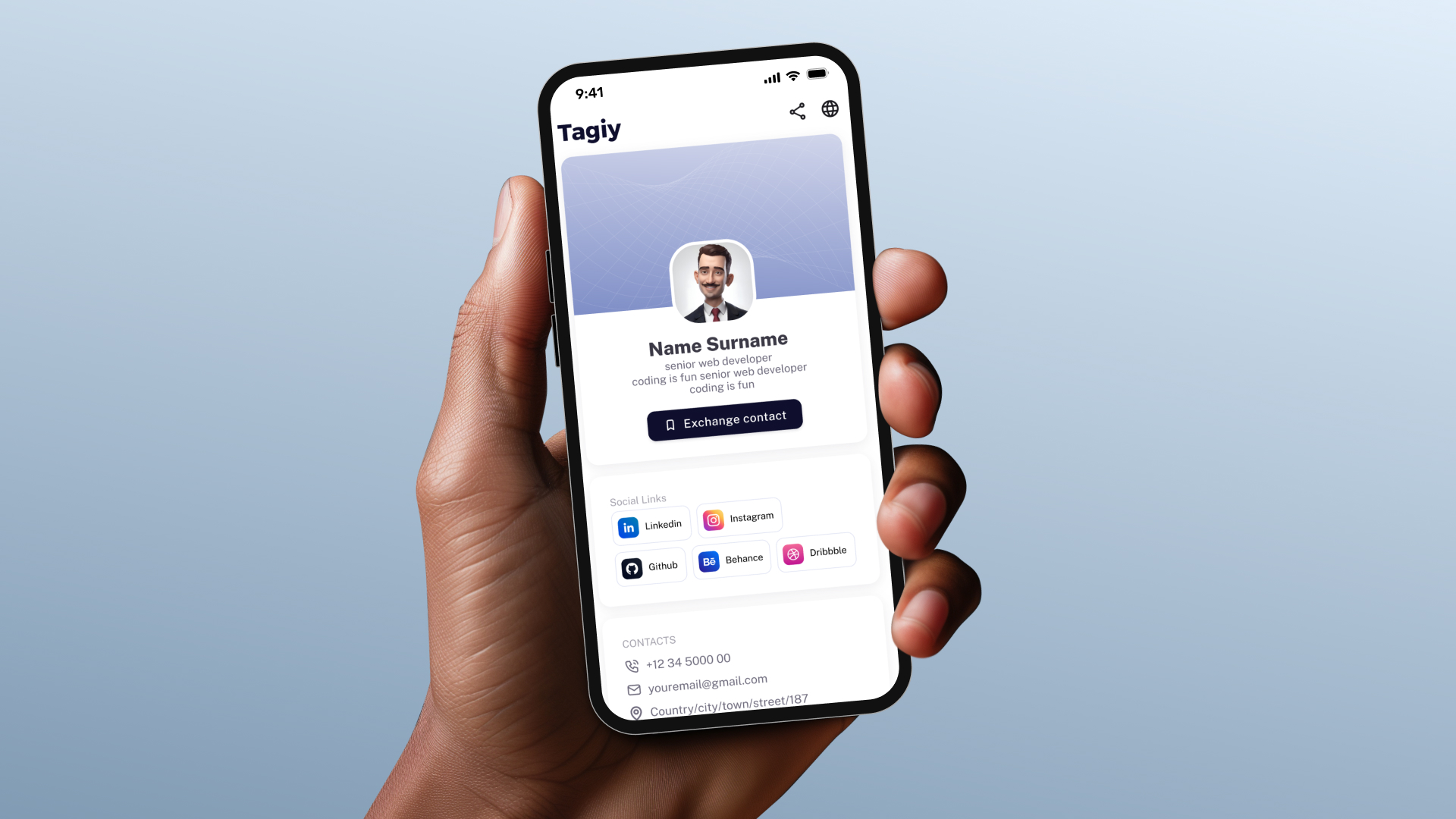
Getting started with Tagiy is easy and only takes a few minutes.
First, once you receive your Tagiy card, open it and scan the QR code using your phone’s camera, or tap the card on your device using NFC.
On Android devices, the NFC sensor is usually located in the center of the back of the phone. On iPhones, simply tap the card at the top of the device, either from the front or the back.
Next, you will be asked to log in to Tagiy. If this is your first time using Tagiy, you can create an account using your email with a verification code, or sign in using Google, Facebook, or X.
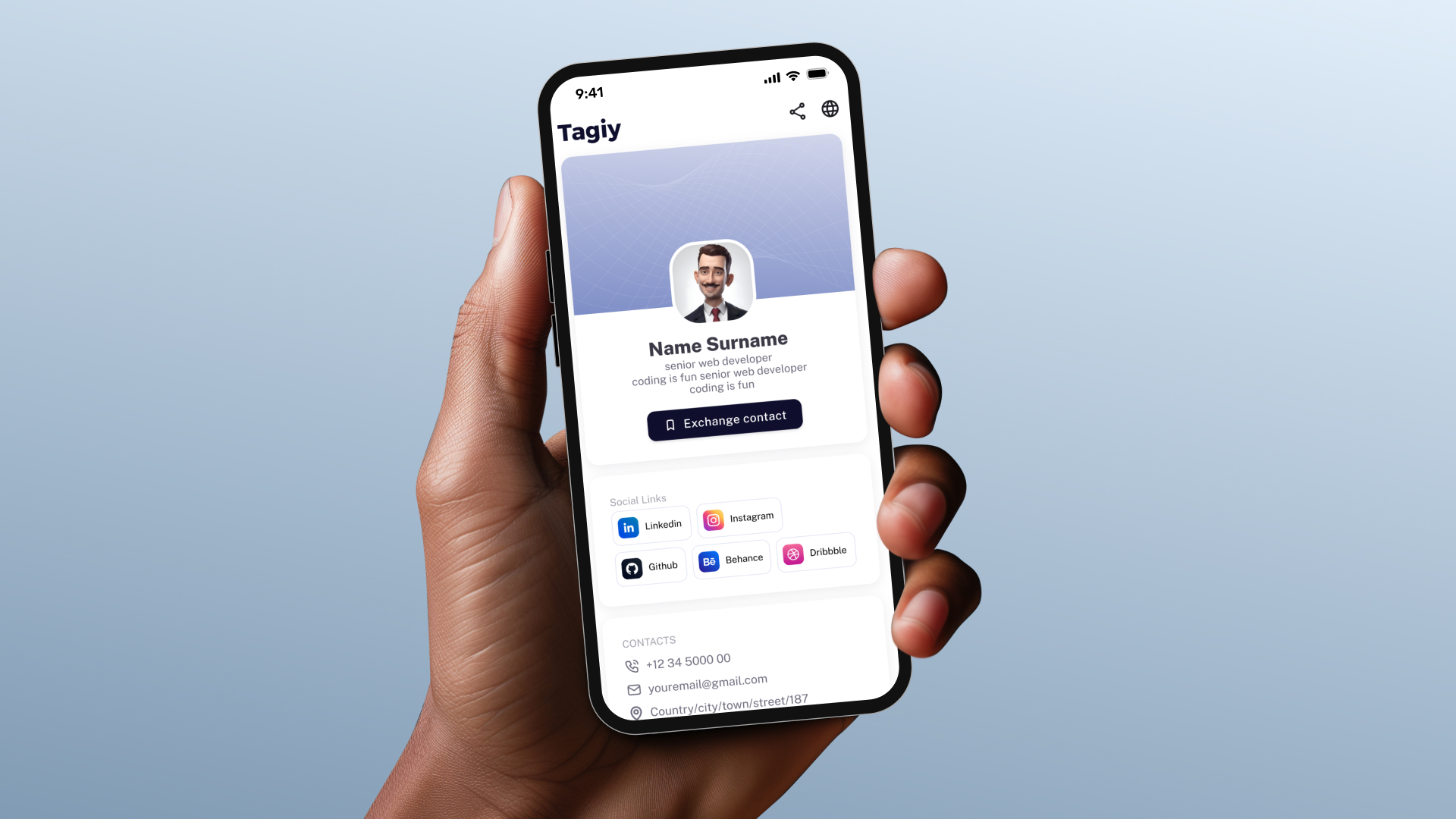
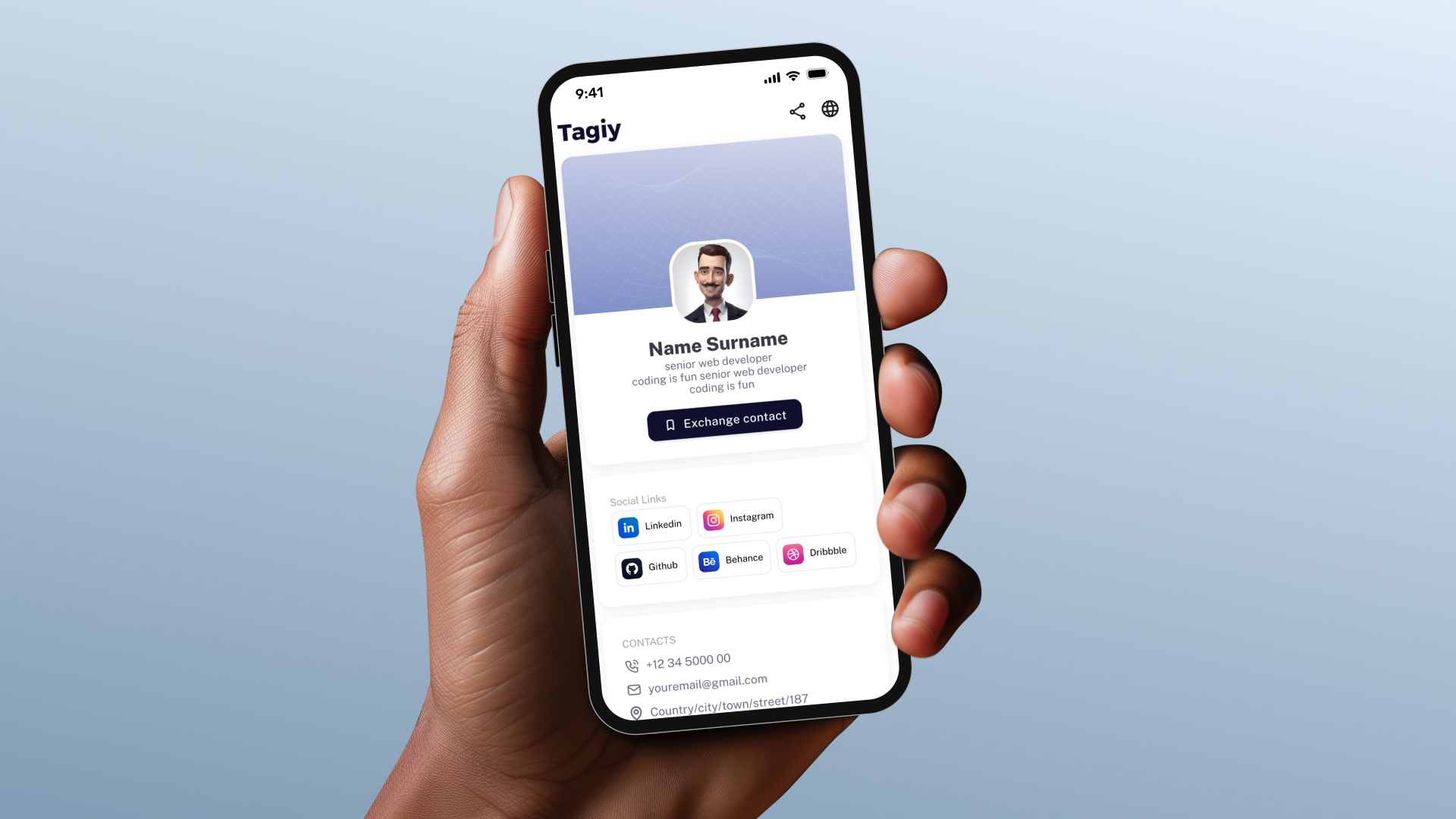
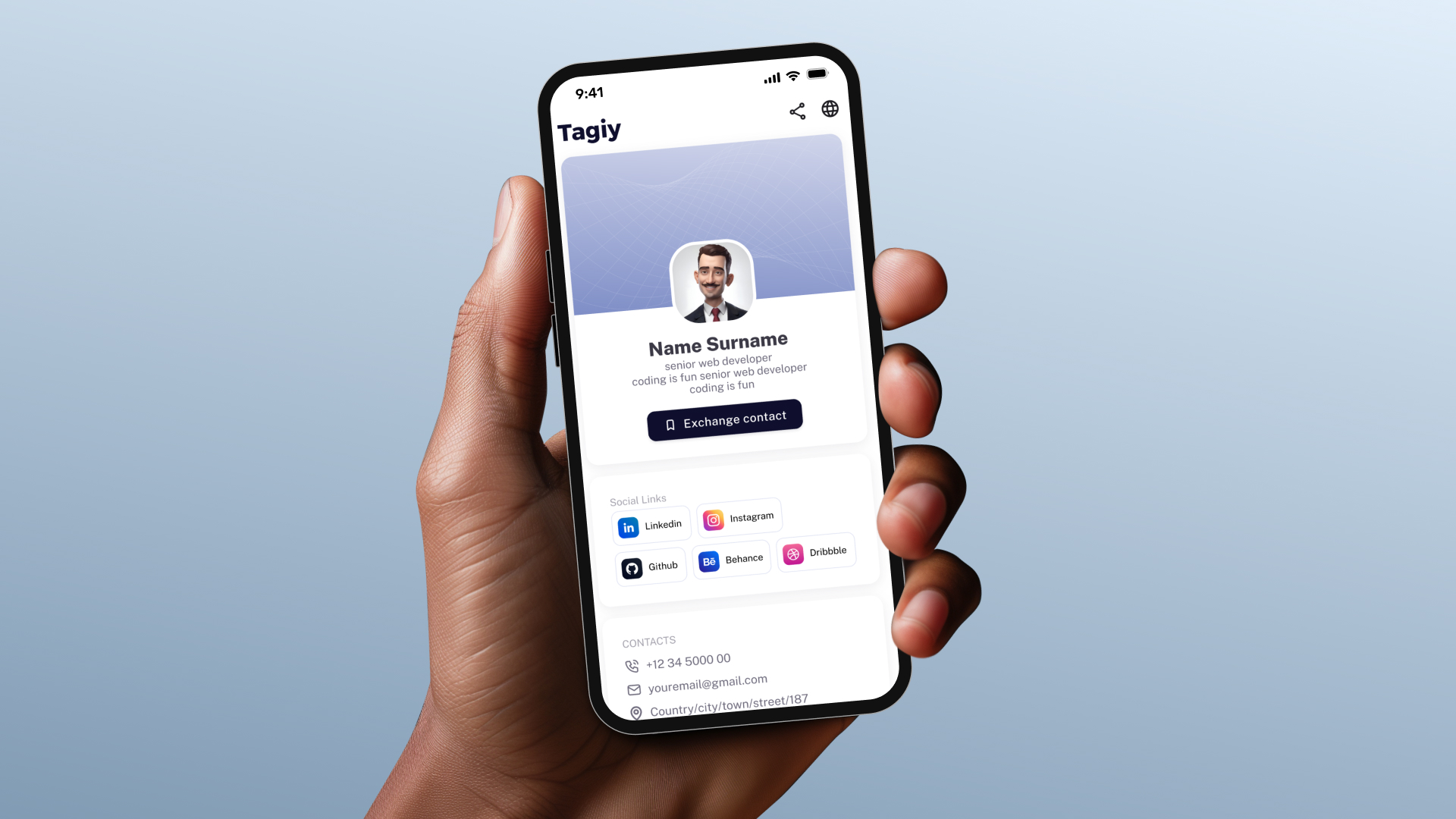
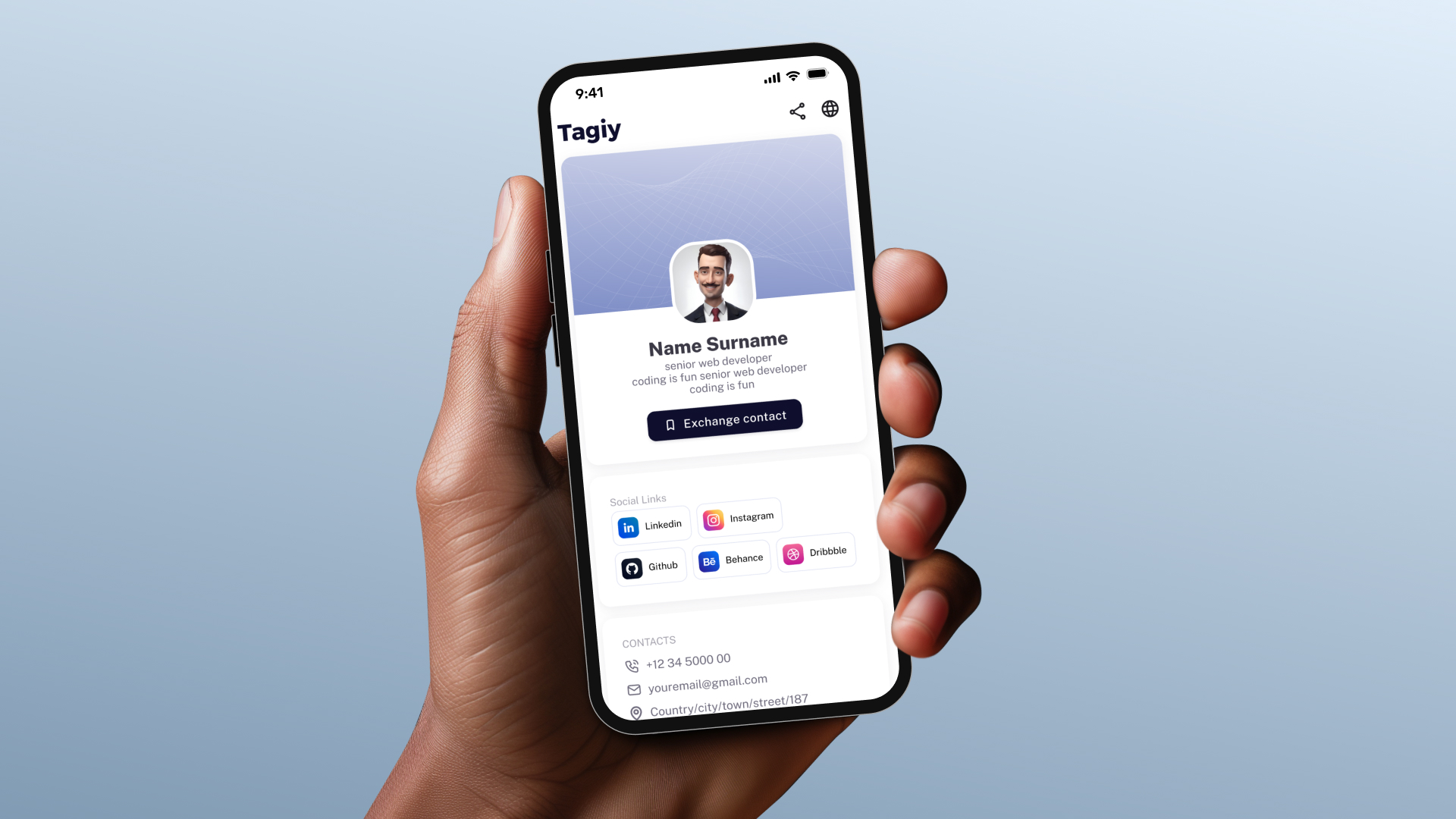
Then, create your digital card by adding your personal and professional information such as your name, phone number, social media platforms, and work details. You can also upload a file if needed.
Once your information is saved, your Tagiy card is ready to use and you can start sharing your digital profile instantly.